OpenAI Agents SDK LLM analytics installation
Contents
- 1
Install the PostHog SDK
RequiredInstall the PostHog Python SDK with the OpenAI Agents SDK.
Terminal - 2
Initialize PostHog tracing
RequiredImport and call the
instrument()helper to register PostHog tracing with the OpenAI Agents SDK. This automatically captures all agent traces, spans, and LLM generations.PythonNote: If you want to capture LLM events anonymously, don't pass a distinct ID to
instrument(). See our docs on anonymous vs identified events to learn more. - 3
Run your agents
RequiredRun your OpenAI agents as normal. PostHog automatically captures traces for agent execution, tool calls, handoffs, and LLM generations.
PythonPostHog automatically captures
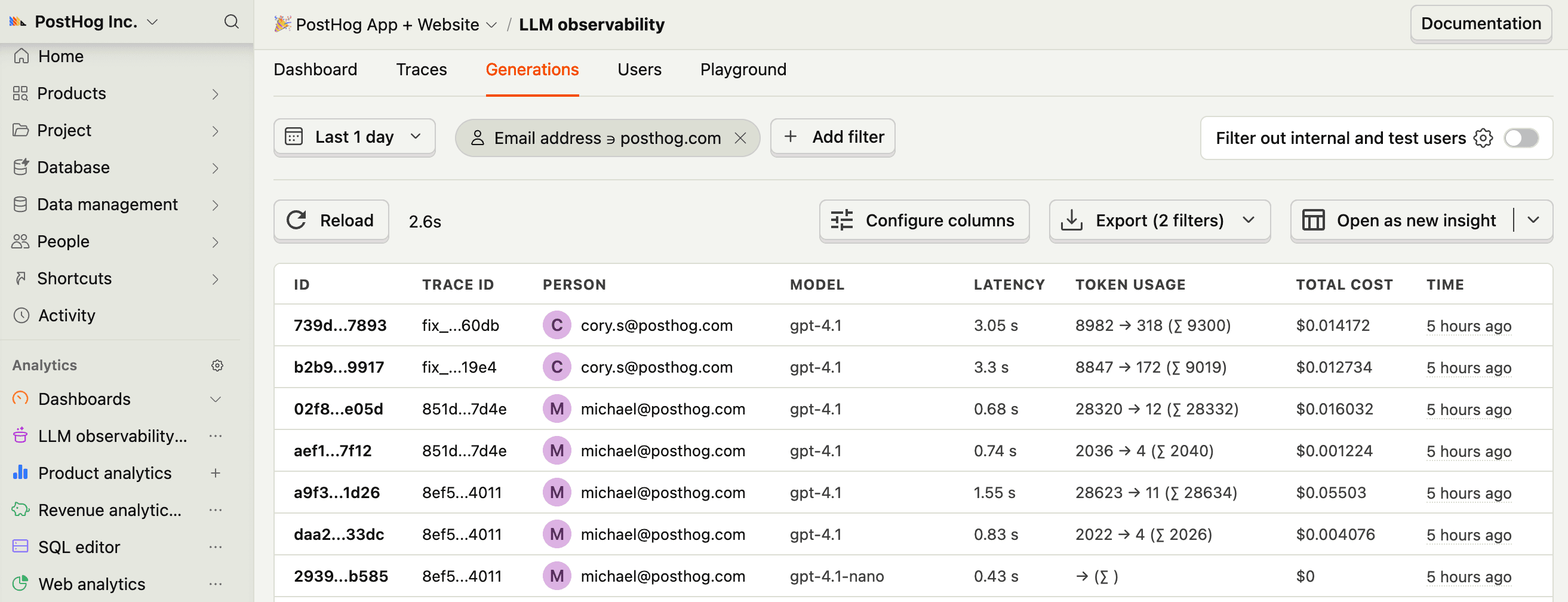
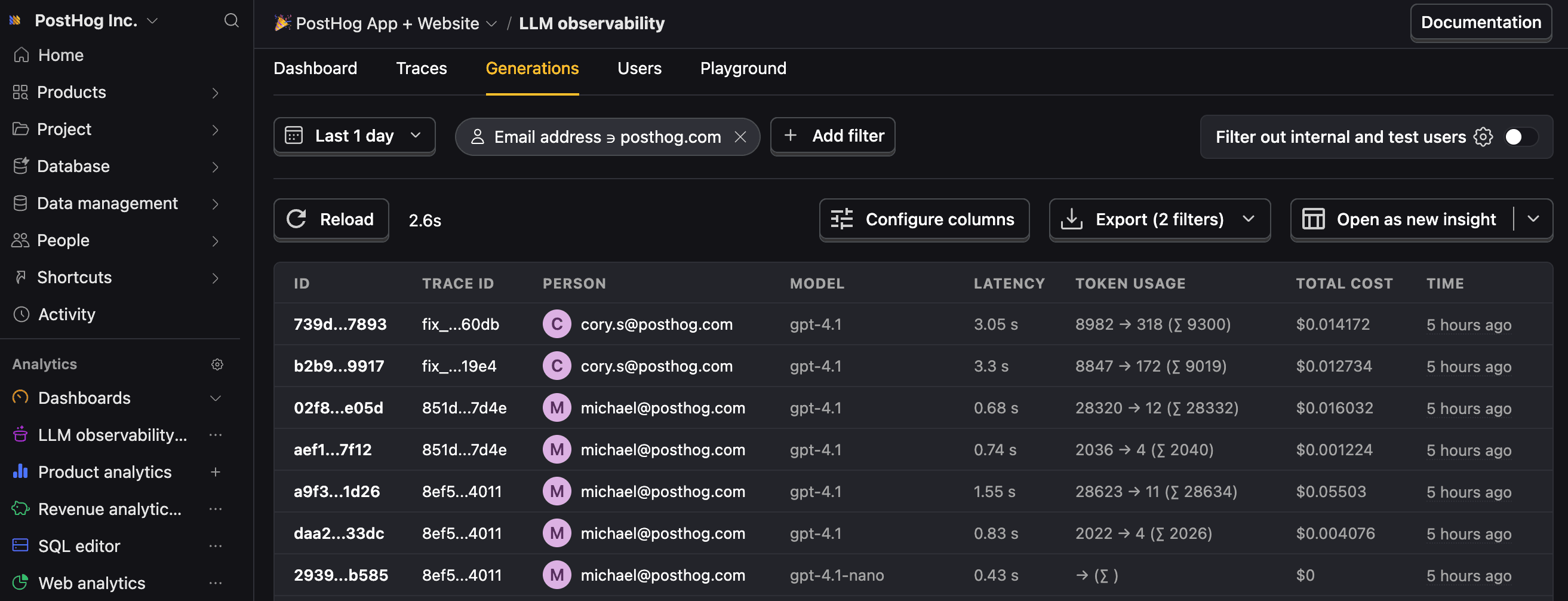
$ai_generationevents for LLM calls and$ai_spanevents for agent execution, tool calls, and handoffs.Property Description $ai_modelThe specific model, like gpt-5-miniorclaude-4-sonnet$ai_latencyThe latency of the LLM call in seconds $ai_toolsTools and functions available to the LLM $ai_inputList of messages sent to the LLM $ai_input_tokensThe number of tokens in the input (often found in response.usage) $ai_output_choicesList of response choices from the LLM $ai_output_tokensThe number of tokens in the output (often found in response.usage)$ai_total_cost_usdThe total cost in USD (input + output) [...] See full list of properties - 4
Multi-agent and tool usage
OptionalPostHog captures the full trace hierarchy for complex agent workflows including handoffs and tool calls.
PythonThis captures: - Agent spans for
TriageAgentandWeatherAgent- Handoff spans showing the routing between agents - Tool spans forget_weatherfunction calls - Generation spans for all LLM calls